This is probably the first real fork in the road for anyone building a business website, and most advice on it isn’t actually advice it’s just people defending whichever platform they happen to build on. WordPress still powers somewhere around 43% of the entire internet, so it’s clearly not a bad choice by default. But “most popular” and “right for your business” aren’t the same claim, and the businesses that get this decision wrong usually end up rebuilding within a year or two, paying for the same project twice.
Here’s a straight comparison, without a horse in the race, so you can figure out which platform actually fits what you’re trying to do and roughly what it will cost either way.
What Each One Actually Is
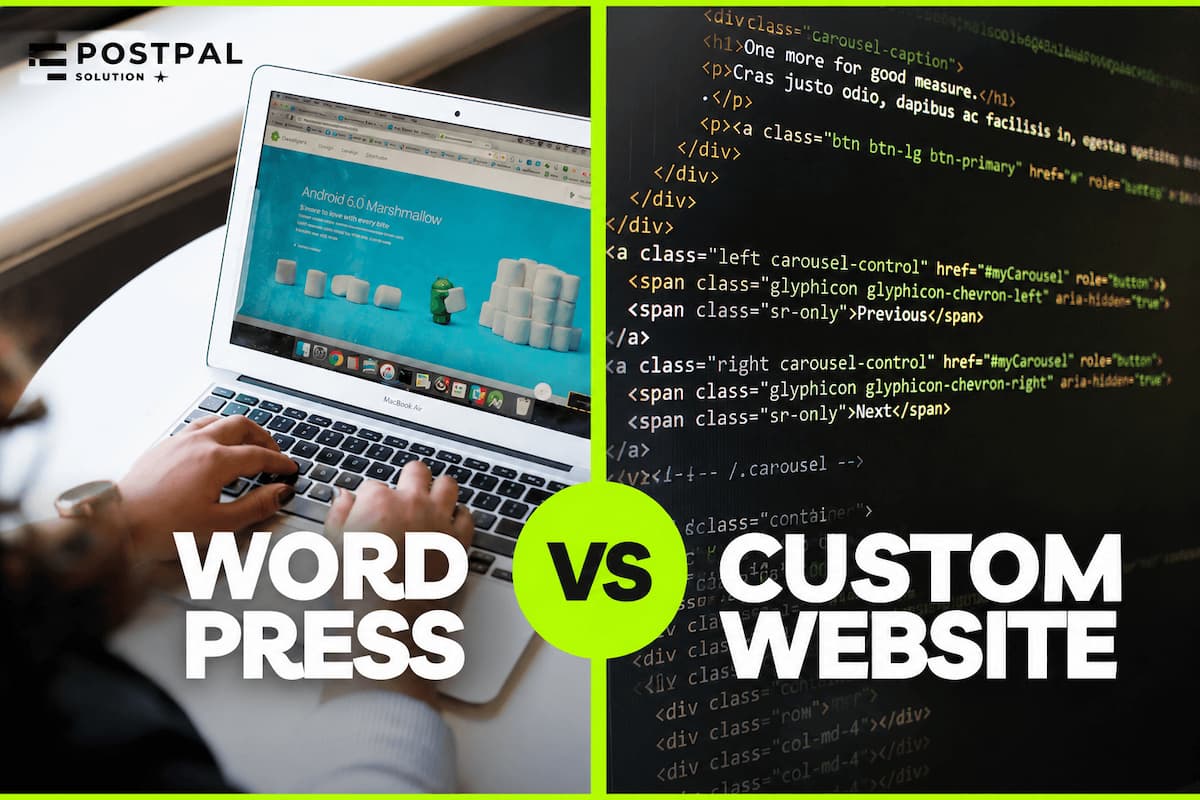
WordPress is a content management system that lets you build and manage a website without writing code. You pick a design (called a theme), add features through plugins, and manage everything pages, posts, forms, from one control panel. Originally built for blogging, it's evolved over the past two decades into a flexible platform capable of running everything from a simple five-page site to a large membership site, which is exactly why it remains so popular. You can use it to make a website with just a few pages. You can use it to make a big website with many members.
A custom website works differently: it’s built specifically for your business, with code written for your exact requirements and no general-purpose management layer sitting underneath unless you choose to add one. Nothing is pre-packaged. Every feature exists because someone built it for your use case which is exactly why custom sites cost more and take longer to launch, and also why they don’t carry the extra weight of a dozen plugins you’re only using 20% of.
The Real Trade-offs

WordPress wins on launch speed and on how easy it is to keep staffed. A WordPress site can usually go live in a few weeks, and because so many developers know the platform, you’re never locked into one person who understands your codebase. If your team publishes blog posts, event pages, or product updates often, WordPress’s editing experience is worth a serious look non-technical staff can make most day-to-day changes themselves without waiting on a developer.
Custom sites pull ahead on performance and long-run cost. A typical WordPress page has to load a stack of plugin scripts and font files before it renders, while a custom build only ships the code a page actually needs which matters for mobile load times and for how many visitors stick around long enough to convert. Custom sites also tend to be more secure: WordPress’s core software is well-maintained, but most WordPress hacks trace back to outdated or poorly patched plugins, not the core itself. A custom site has no plugin layer to exploit in the first place.
There’s another option that many business owners never hear about: a headless WordPress setup. In this approach, WordPress is used only for managing content behind the scenes, while a custom front end delivers the website to visitors. It typically costs more than a standard WordPress website but less than a fully custom web application, making it a practical middle ground. You keep WordPress’s familiar editing experience while benefiting from the speed, flexibility, and performance of a custom-built front end.
Cost Comparison

The table below breaks down what each option typically costs by project size for an exact number based on your scope, see our 2026 rates by project type
Factor WordPress Custom Build Typical build cost (small business site) $500–$3,000 $750–$4,000 Typical build cost (mid-size/corporate site) $1,500–$6,000 $2,500–$8,000 Time to launch 2–5 weeks 5–10 weeks Ongoing plugin/theme licensing $10–$60/month Usually none Who can maintain it Very wide developer pool Whoever built it, or a similar stack specialist Content editing by non-technical staff Strong Requires a custom admin panel to match
Self-managed WordPress, where you or your team handles updates personally, is genuinely the cheapest option upfront. The catch is that the savings come out of someone’s time, and out of a slightly higher security risk if updates slip. Properly maintained WordPress with someone paid to keep it patched often ends up costing close to what a custom build would over several years, minus the performance ceiling custom development unlocks. Our full pricing breakdown compares a one-time custom build against a WordPress retainer so you can see the real numbers side by side.
When WordPress Is the Right Call
If a lot of these things are true for you, then WordPress is a choice. Your team is always making content, and they already like using a familiar editor. You want your site to be ready in under six weeks. You do not have a lot of money to spend on this. You need things like WooCommerce, a membership system or support for languages that a plugin can handle easily but would be very expensive to create from the start.
When Custom Development Is the Right Call
You should choose a custom option if the performance of your website is directly tied to the money you make. This is also a choice if your design needs are more complicated than what a theme can give you. You might need some features that no plugin can handle properly, such as a custom quote builder or a booking flow that is a bit unusual. You might also need to connect your website to a customer relationship management system in a way, or maybe you just want to make sure your website doesn’t depend on plugins that could break when they’re updated.
A Quick Way to Decide
If you’re still stuck, three questions usually settle it. How often does your content change? Frequent updates favor WordPress. Who’s actually going to maintain the site after launch an in-house team, a freelancer, or nobody in particular? And how directly does page speed affect your revenue an online store loses real money to slow load times in a way a five-page brochure site doesn’t. Most businesses land on an answer after those three questions alone, without needing to compare another feature list.
Conclusion
Neither platform is universally better the right one depends on how often your content changes, who’s going to maintain the site, and how much performance actually matters to your bottom line. Answer those three questions honestly and the decision usually makes itself.
If you’re still weighing the two for your specific business, PostPal Solution can walk through your situation and recommend a platform based on what you actually need not whichever one we happen to prefer building. Visit our Web Design & Development service page to talk it through, or compare current project pricing before you reach out.
Disclaimer: The costs, timelines, and comparisons in this article reflect general 2026 market conditions and typical project scope. Your actual price will depend on your specific requirements, features, and project complexity, and may differ from the figures above. This article is for informational purposes only and isn't a guaranteed quote, contact PostPal Solution directly for exact pricing on your project.
Frequently Asked Questions
Is WordPress a good choice for a professional business website?
Is a custom website faster than WordPress?
What is the cheaper option in the long run?
Can I switch from WordPress to custom later?
What is a headless WordPress setup? Do I need one?
Does the platform choice affect SEO?