A website isn’t finished the day it launches; that’s usually when the quieter, ongoing work actually starts. Plugins need updating, certificates expire, backups need to exist and actually restore when tested, and something eventually breaks at an inconvenient time. Maintenance is the plan for handling all of that without it becoming your emergency. The confusing part is that “maintenance package” means wildly different things depending on who’s selling it, and the label alone won’t tell you which one you’re getting.
What “Maintenance” Actually Means
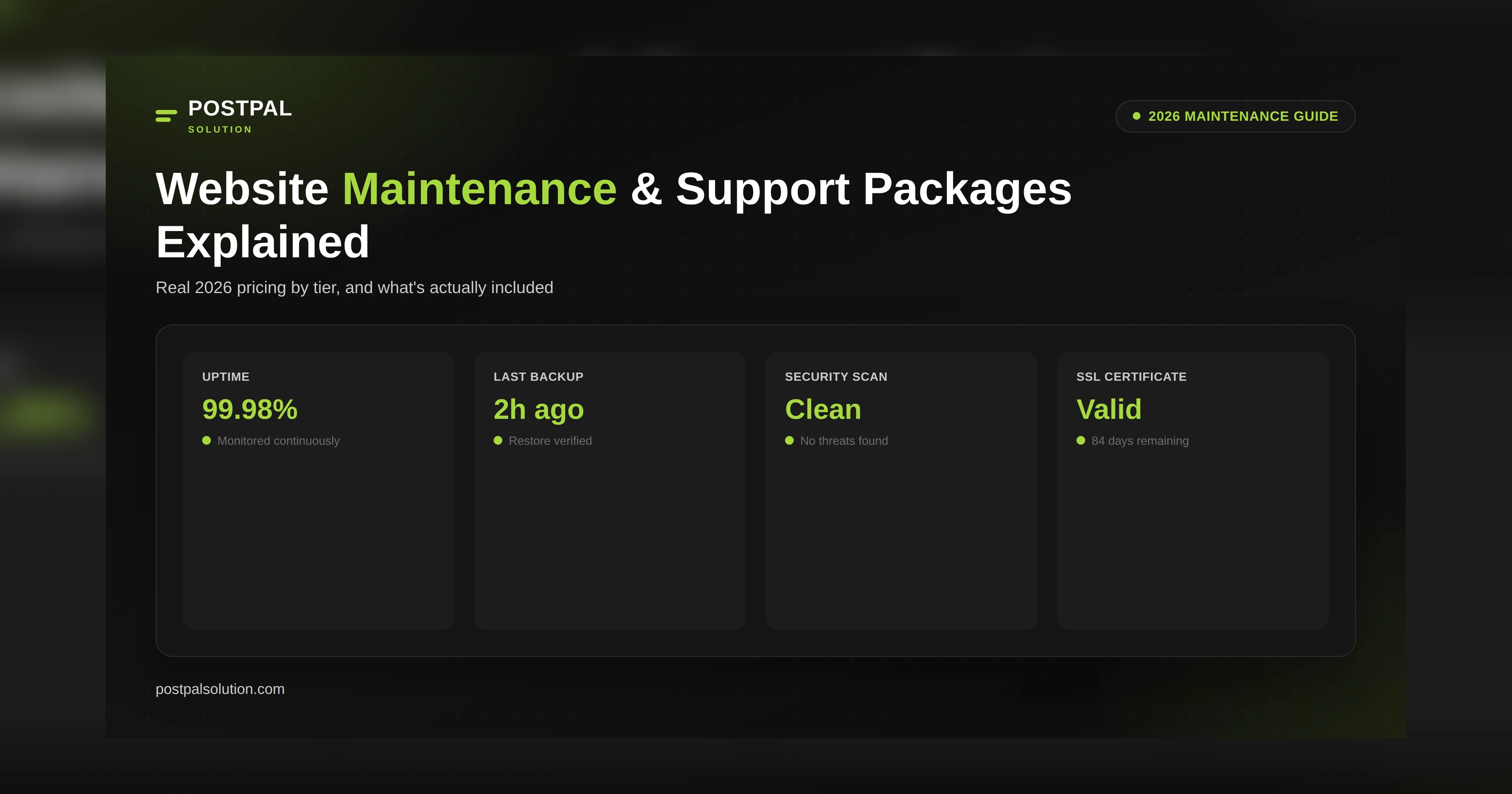
Development is not the same as maintenance. You are paying for the regular behind-the-scenes work of keeping what is already built from falling apart, not for new things or a new look. This means you get updates for plugins, themes, and core software on a schedule, backups that you know will work when you need them, and people watching to make sure the website is up and running. They will tell you right away if something goes wrong. You also get SSL certificates before the old ones expire and scans for bad things, like malware, that will really tell you if something is wrong. If you don't get all of these things, it's not really a service. It's a computer program pretending to be one.
What’s Actually Included at Each Tier

Basic ($15–$40/month):
Automated updates, simple backups, minimal support. Fine for a personal site or a portfolio with low traffic and nothing business-critical riding on it. The gap here is human oversight: nobody’s actually verifying that an update didn’t break something.
Standard ($40–$100/month):
You get human-verified updates, layered backups, uptime monitoring, and a defined response time when something goes wrong. This is the level where maintenance actually prevents downtime instead of just reacting to it, which is why most small business websites should be at this tier.
Premium ($100–$250/month):
Everything from Standard includes a fixed number of content edit hours. Testing happens in a staging environment before any updates go live. There is detailed reporting available. Response times are faster. This is good for sites that have custom functionality or frequent content changes.
Enterprise ($250+/month):
Developer hours spent on your case, compliance monitoring, custom SLAs, and often a named point of contact who understands your particular setup. For sites where you can put a dollar value on the cost of being down.
For an exact quote based on your site’s size and traffic, see our 2026 maintenance rates.
Why the Cheapest Plan Usually Costs More
A $15/month plan and a $75/month plan aren't the same product with different price tags. They're different products entirely. The cheap plan almost always excludes the parts that actually prevent problems: human-tested updates, real security monitoring, and a guaranteed response time. When something does go wrong, and eventually something will, the bill for emergency cleanup, malware removal, or lost business during downtime usually erases whatever the cheap plan saved, often within the first year. Our own maintenance pricing breaks down exactly what’s covered at each tier, so there’s no guessing what you’re actually paying for.
Pricing at a Glance

Tier Monthly Cost What You Get Best For Basic $15–$40 Automated updates, simple backups Personal sites, portfolios Standard $40–$100 Human-verified updates, monitoring, defined response time Most small business sites Premium $100–$250 Content edit hours, staging tests, faster response Sites with custom features or frequent updates Enterprise $250+ Dedicated developer hours, compliance, custom SLA High-traffic or business-critical platforms
When it comes to taking care of a website, you should plan to spend around 15 to 20 percent of what it cost to build the website in the first place. This means that if a website costs $2,000 to build, it will probably cost $300 to $400 every year to keep it running well. This money will cover things like hosting, updates, and basic support for the website.
Questions to Ask Before Signing a Maintenance Contract
Find out what is included and what you have to pay extra for. For example, some computer plans cover malware clean-up, while other computer plans charge a lot of money for malware clean-up. Ask about the guaranteed response time for computer plans if something breaks with your computer. Also ask if the response time for computer plans is different for a problem like a full outage versus a small problem like a minor bug with your computer. Ask if the backups are actually tested for restore or just created and never touched. And inquire who you’ll be talking to when something goes wrong: a single named contact who knows your site, or a generic support queue.
Conclusion
Maintenance isn’t the exciting part of owning a website, which is exactly why it’s the part most businesses underbudget for right up until something breaks. Match the tier to how much downtime would actually cost you, ask for a clear breakdown of what’s included, and treat this as an ongoing part of your website’s budget rather than an afterthought.
If you’d like a maintenance plan scoped to your actual site and traffic, PostPal Solution can put one together. Visit our Web Design & Development service page to talk it through, or compare current maintenance pricing before choosing a tier.
Disclaimer: The prices and tiers in this article are general estimates based on 2026 market data. Your actual cost depends on your website's size, traffic, and complexity, so it may differ from the figures shown here. This article is for informational purposes only and isn't a guaranteed quote. Contact PostPal Solution directly for pricing on your project.
Frequently Asked Questions
How much should I budget for website maintenance each month?
Is website maintenance really necessary, or can I skip it?
What’s the difference between hosting and maintenance?
Does maintenance include content updates like text or image changes?
What should I do if my current maintenance provider won’t clarify what’s included?