This question comes up almost every time a business owner starts scoping a project, usually because someone in the room used the words “web app” to describe something that’s actually a website with a contact form on it. That mix-up isn’t just semantics. it changes your budget by a factor of five or more, and it changes your timeline from weeks to months. Getting the label right before you request quotes saves you from either overpaying for engineering you don’t need or underbuilding something that was always going to need a login screen.
The Actual Difference
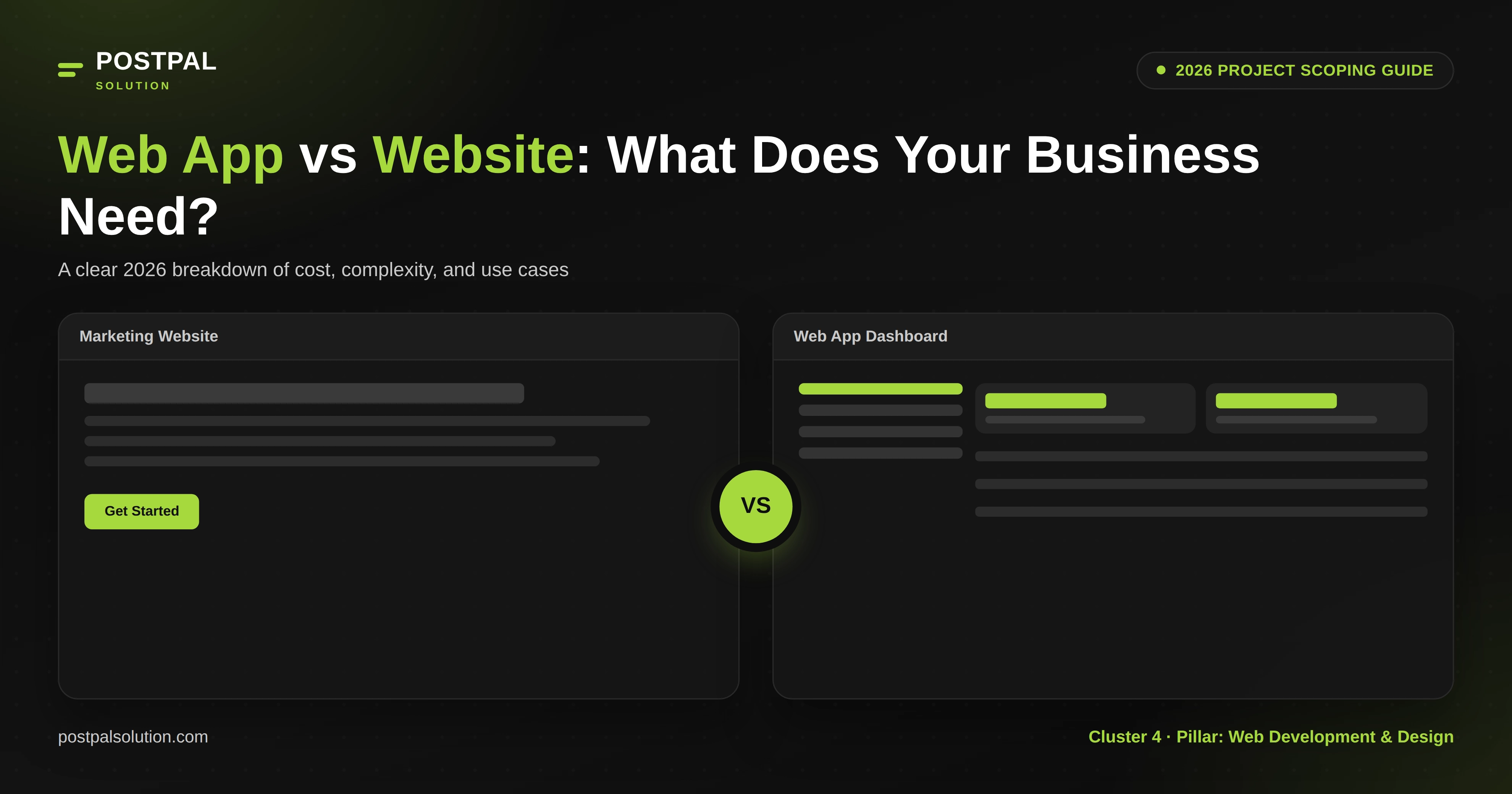
A website informs. Someone lands on it, reads what’s there, maybe fills out a form, and leaves. The content is largely the same for every visitor, and most of it doesn’t change based on who’s looking at it. A brochure site, a portfolio, a blog, a service page all websites, even if they look polished and modern.
A web app does something. Users log in, see data specific to them, and take actions that change what happens next: booking a service, managing an order, updating a profile, running a report. The experience is dynamic and personal in a way a website simply isn’t. Google Docs, a client portal, a booking dashboard, an internal inventory tool these are web apps, regardless of how simple they look on the surface.
The line blurs a bit with things like booking widgets or member logins bolted onto an otherwise static site. That’s usually still “a website with a feature,” not a web app. The distinction that matters is whether the core product is content or a tool.
How to Tell Which One You Actually Need

Ask yourself these in order. Does a visitor need to create an account to get value from what you’re building? If no, you almost certainly need a website. Does the experience change meaningfully based on who’s logged in their own data, their own history, their own dashboard? If no, still a website. Does the core value depend on real-time interaction, complex workflows, or processing that goes well beyond displaying content? If yes to this and the two above, you’re looking at a web app.
Most businesses land in the “website” category even when they think they need something more. A booking calendar, a payment form, a quote request tool all of these can usually be added to a website through integrations rather than built as a standalone application from scratch.
Cost and Timeline Comparison

Here’s how the numbers typically break down between the two for exact pricing on your specific project, see our 2026 rates by project type.
Factor Website Web Application Typical cost $750–$8,000 $4,000–$25,000+ Complex/enterprise cost Rarely exceeds $15,000 Can exceed $75,000 Timeline 3–8 weeks 2–6+ months Backend/database required Rarely Almost always User authentication Optional Standard Ongoing maintenance Lighter, mostly content and security updates Heavier servers, updates, dedicated monitoring
Get a project-specific quote before you commit to either.
Web apps are more expensive because the underlying work is different in its essence. A website is mostly front-end, layout, content, styling. A web app needs a real back end: a database, business logic, authentication, and infrastructure that have to remain online and secure while dealing with real user data. That’s why a simple internal tool can still run into five figures even when it looks visually plain, while a beautifully designed marketing website can stay well under $10,000. Our pricing breakdown by project type shows exactly where that extra cost comes from.
The Middle Ground Most People Don’t Know About
Progressive Web Apps (PWAs) sit between the two. They’re built on web technology but behave like an installed app: offline access, push notifications, an icon on the home screen, without the cost of building separate native iOS and Android apps. If mobile-like engagement matters to your business but a full native app isn’t in the budget, this is usually the more realistic middle step, and it’s closer in cost to a mid-range website than a full web application.
Common Mistakes Business Owners Make Here
Overbuilding is the more expensive mistake, and it happens when a business asks for a “web app” because that sounds more impressive, when what they actually need is a well-built website with two or three smart integrations. The result is a much bigger invoice and a much longer timeline for functionality that a booking plugin or CRM integration would have handled at a fraction of the cost compare typical project costs before assuming you need the pricier build.
Less noisy but equally costly is underbuilding. Because no one told them this was actually web application territory, a business ends up building a "simple website" with an ad-hoc login feature bolted onto it. Six months later, the login system fails under real usage. The data isn't structured properly. The fix costs more than it would have to build it correctly the first time.
Conclusion
It’s about being honest about what your project actually needs to do, not what sounds more advanced in a pitch meeting. Getting this decision right Most businesses need a well-built website with a few smart integrations, a smaller number really need a web application, and it’s usually obvious once you walk through the questions above.
If you aren't sure where your project sits on the line, PostPal Solution can help you scope it correctly before you commit to either. Visit our Web Design & Development service page to discuss what you’re actually trying to build or compare current pricing for both before requesting a quote.
Disclaimer: The costs, timelines, and comparisons are general estimates based on 2026 market data and typical project scope. Actual pricing is dependent on your particular features, integrations, and complexity and may be different than the ranges shown above. This article is solely for informational purposes and is not a binding quote. For accurate, project-specific pricing, please contact PostPal Solution directly.
Frequently Asked Questions
Is a website with a login form automatically a web app?
Can I start with a website and add web app features later?
Why do web apps cost so much more than websites?
Do I need a web app if I just want customers to book appointments online?
What’s a Progressive Web App, and is it right for my business?