When someone says they've "got a WordPress site," they could mean almost anything. It might be a default theme with a welcome post still sitting on the homepage, or a properly built business website that quietly brings in enquiries. Same software, wildly different outcomes.
This article walks through what a professionally set up WordPress site actually includes, using our own packages as the example, so you know what to expect and what to ask for. For the wider picture, our complete guide to WordPress development services covers the whole process. By the end, you should be able to tell a proper setup from a half-finished one.
What "Professionally Set Up" Actually Means
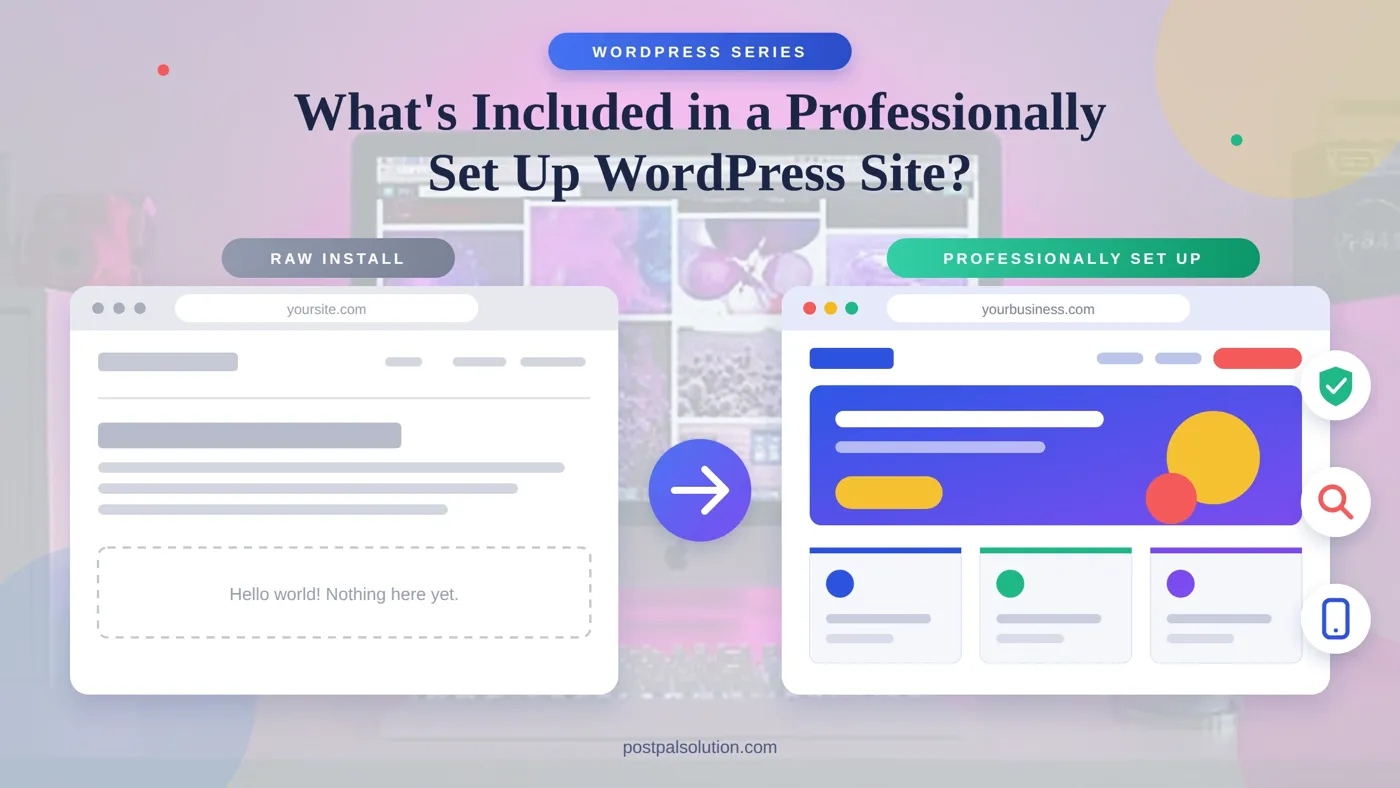
WordPress is free to install, and that's the trap. A raw install gives you a dashboard, a default theme and a sample page. Nothing about it is wrong, but nothing about it is ready for customers either.
A professional setup is everything between that blank start and a site you'd be happy to send a client to. Branding applied, pages built, search basics configured, security and backups in place, and a handover so you can run it yourself. Our WordPress Development Basic package is built exactly this way: not a raw WordPress install, but a fully configured site with the technical basics done right from day one.
A Premium Theme Customized to Your Brand
The theme determines the appearance and atmosphere of your site, which makes it the criterion for visitor judgment that usually take place within seconds. In the setup, the premium theme of your industry is selected and customized according to your brand, replacing its demo appearance with content, colors, and fonts.
Customizing matters more than people think. If a theme stays on its defaults the theme looks like every site that used the theme but a little brand work makes the theme look like yours. If you already own a theme you, like you can usually ask to use the theme. For a look at how themes and page builders compare see Elementor vs Divi vs Premium Themes.
The Five Core Pages
Most small businesses are well served by five pages: home, about, services, blog and contact. That's the structure in our Basic package, and it's a sensible one.
The homepage shows what I do and where to go next. The about page builds trust. Services explains what I offer and why it matters. The blog gives me a place to publish content over time. And contact makes it easy to get in touch, so it's worth testing that the form actually delivers. Need more pages later? Adding them is straightforward, and the bigger packages include more up front. Here's how they fit together:

Mobile-Ready From the Start
Many of your visitors will use phones to access your site so it must function well on screens, not just look scaled down. Mobile optimization is a part of a professional website. Text needs to be easy to read buttons must be easy to tap. Layouts should avoid forcing people to pinch and zoom. This also affects how search engines evaluate your site.
SEO Configured, Not Just Installed
Anyone can put the Yoast SEO plugin on their website. The hard part is getting it set up properly. That means creating titles and descriptions making sure the pages are organized so search engines can understand them and preparing the site so it gets added to search engines fast. That is the difference, between having the Yoast SEO plugin and having the Yoast SEO plugin working.
It's the foundation, not a ranking guarantee. Rankings still depend on your content, your competition and time, and our guide to how long SEO results take is honest about that. If you want to go further after launch, our SEO optimization service picks up from there.
Security and Daily Backups
This is the part that no one thinks about until it becomes important. A security plugin stops attacks before they cause damage. Daily backups ensure that if something goes wrong you don’t have to begin over again.
A bad plugin update, a hack or a page deleted by mistake, each of these problems can happen. With daily backups you can go back, to the version from the day before. You don’t lose anything. That’s the protection backups give you. That’s why we see them as something we simply must have nonnegotiable.

For what ongoing care looks like beyond launch, our guide to website maintenance and support packages explains it, and WordPress Security goes deeper.
A Handover You Can Actually Use
A site you can't edit is a site you will pay someone to change forever. A proper handover walks you through editing pages and publishing content everyday updates don't need a developer.
WordPress is designed for non-technical editors, and a short walkthrough turns that from a promise into a habit. It's one of the questions worth asking any developer before you commit, and our guide to choosing a web development agency covers the rest.
What the Growth Level Adds
If your needs go beyond five pages, the next level adds the things businesses usually ask for next. In our WordPress Development Growth package that means a custom Elementor or Divi design instead of a theme template, up to 12 pages plus a blog, WooCommerce set up for up to 50 products, and lead forms connected to a CRM so enquiries don't just sit in an inbox. Speed gets specific attention too, through image compression, caching and minified assets.
|
Basic (from $299) |
Growth (from $749) |
|
|
Design |
Premium theme customized to your brand |
Custom Elementor or Divi design |
|
Pages |
5 core pages |
Up to 12 pages plus a blog |
|
SEO |
Yoast SEO configured |
Full XML sitemap and advanced on-page structure |
|
Store and forms |
Contact page (store can be added later) |
WooCommerce for up to 50 products, CRM-connected lead forms |
|
Support |
Handover walkthrough |
3 revisions and 30 days of support |
WordPress Development Packages Explained compares the two side by side.
What Isn't Included, and Why It Matters
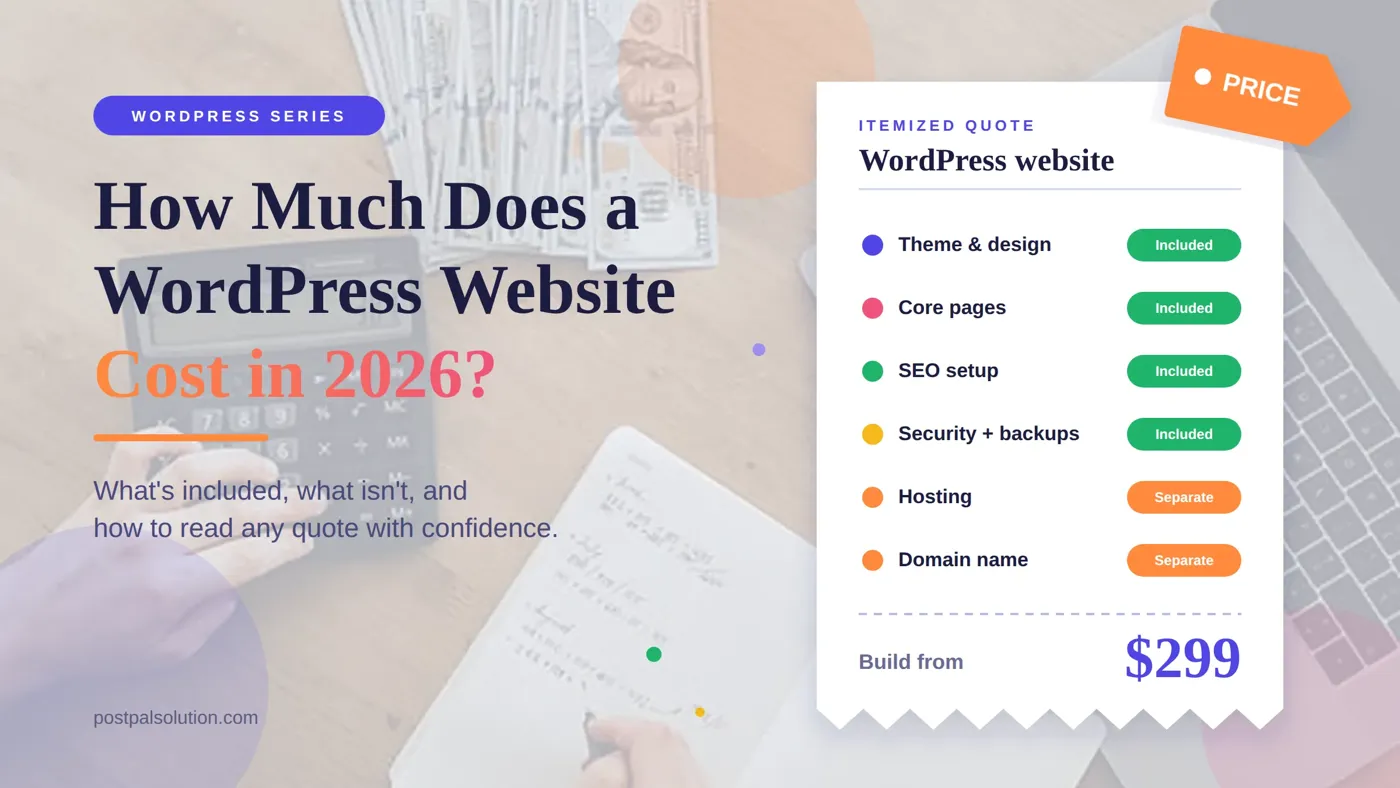
A good quote tells you what sits outside the price as well. You'll need your own hosting, your own domain, and for some premium plugins an annual license renewal. None of that is hidden padding. It's just not part of the build, so ask for the exact list before delivery.
Check scope on anything not listed, too, such as writing your page copy, supplying photos or moving content over from an old site. If it matters to you, get it in writing. Our Website Cost Calculator and pricing page help you plan the numbers, and How Much Does a WordPress Website Cost in 2026? breaks down the rest.
Conclusion
A set up WordPress site isn't hard to understand. It’s not about installing the software. It’s about finishing the job. That means your branding, the pages, search basics, security, backups and a proper handover. Ask what’s included in the scope. Ask what’s not included. Then you’ll know what you’re paying for. To see it in practice, start with our WordPress Development page, or get in touch and we'll scope your project.
Disclaimer
This article is for general info. It talks about PostPal’s package details as they were, at the time we wrote it. Things can. What’s included in your project will depend on your own needs. This isn’t a quote so be sure to check everything with a qualified developer before you decide to move forward.
Frequently Asked Questions
What does a professionally set up WordPress site include?
How is that different from installing WordPress myself?
Can I choose my own theme?
Will I be able to edit the site myself?
What do I still need to pay for separately?