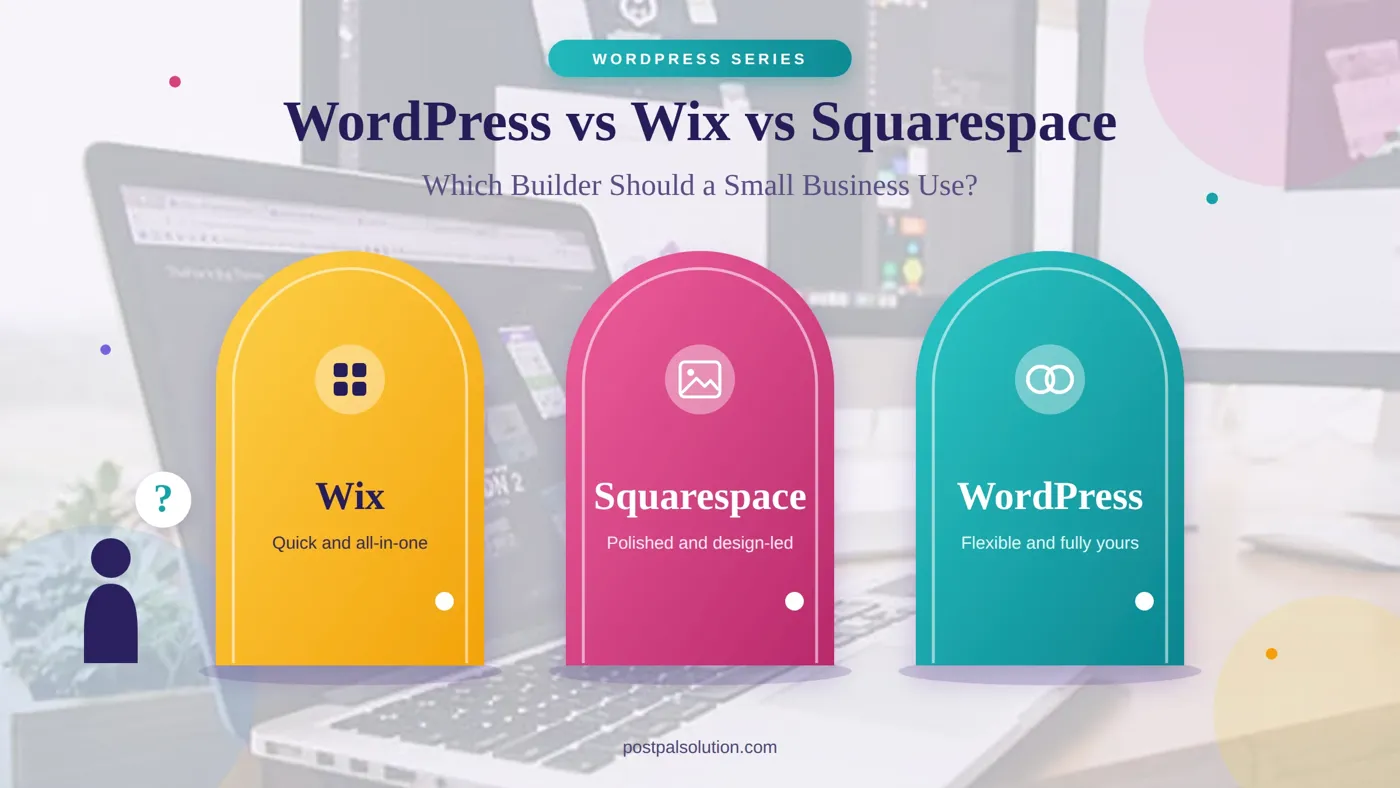
If you've started looking at websites for your business, you've probably noticed that everyone has a strong opinion. Developers say WordPress. Podcast ads say Squarespace. A friend swears by Wix because they built their site in one evening. All three can produce a perfectly good website, so the real question isn't which one is best. It's which one fits what you're actually trying to do.
We build WordPress sites, so factor that in. We'll still be straight about where a hosted builder is the smarter call, because sometimes it is. If you want the wider WordPress picture first, our complete guide to WordPress development services covers it.
The Short Version
If you want a website up fast and you are happy staying inside one platform’s rules Wix or Squarespace will help you. If you expect a website to grow whether that means adding pages a blog that brings in traffic, an online store or custom features WordPress gives you room for a website and more ownership. I think Squarespace leans toward design‑led sites while Wix leans toward flexibility, inside its editor. Everything below is the reasoning, behind that.
How They Actually Differ
The biggest difference isn't features. It's the model. Wix and Squarespace are hosted builders. Hosting, editor, templates and security all come in one subscription. You're renting an apartment. Everything works the day you move in. The landlord also decides what you can change.
WordPress is owned software that you install. You have the power to choose which host to use, which theme to pick and which plugins to add. You can take your website anywhere you want whenever you want. You own the house. This comes with maintenance because updating, backing up, and securing the site are all on you or us.

Wix: Quick Start, Flexible Editor
Wix is designed to make quick work. The drag-and-drop editor allows placing elements anywhere on the page, and the app market has everything from booking options to form management. Wix is good enough for a small business offering services that needs a five-page website done in a month.
The trade-offs become clear later. Your site is built on Wix so switching platforms usually means starting over of moving. Since the editor is very flexible pages can end up with different looks when no one is watching them.
Squarespace: Polished and Design-Led
It is common knowledge that Squarespace provides templates with great design, which is evident from the following reasons. For example, photographers, designers, restaurants and consultants usually select Squarespace for their websites because with minimal effort, a professional website can be achieved.
The other side of the story is that you work inside the template system. If you need something that the templates don't provide you are limited or have to pay for a solution. Like with Wix your website is on their platform so moving later is harder, than changing WordPress hosts.
WordPress: Room to Grow
There is also more to set up with WordPress, which is one reason that many choose to have it done for them. What you will gain is the ability to create practically any type of website that you wish by utilizing themes and a page builder such as Elementor or Divi, an almost limitless number of plugins, full control over SEO, and an owned website.
The cost of that freedom is responsibility. Someone has to keep it updated, backed up and secure. Done properly, that's routine rather than scary, and our website maintenance and support guide shows what it involves. Our WordPress Development Basic package handles the setup, so you start with SEO, security and backups already in place.
Side by Side
Here is how the three platforms compare on the things that matter most. Features change often so check each platforms plans before you commit.
|
WordPress |
Wix |
Squarespace |
|
|
Model |
Self-hosted software you own |
Hosted all-in-one builder |
Hosted all-in-one builder |
|
Getting started |
Needs setup or a developer |
Fast, drag-and-drop |
Fast, template-led |
|
Design freedom |
Almost unlimited |
Flexible inside the editor |
Polished, within templates |
|
Extra features |
Thousands of plugins |
App marketplace |
Built-in tools and extensions |
|
Moving away later |
Easy to move hosts |
Often a rebuild |
Often a rebuild |
|
Ongoing cost |
Hosting, domain, some licenses |
Subscription plan |
Subscription plan |
|
Best for |
Growing sites, SEO, custom needs |
Quick, simple sites |
Portfolios and design-led sites |
A Quick Word on SEO
All three platforms allow you to edit page titles, descriptions and headings so none of the platforms is an end, for search. The difference is depth. WordPress gives you control over URL structure, structured data, redirects and site speed which starts to matter once you are competing for harder search terms. Whatever you choose, content quality and clear structure do most of the work and our complete SEO guide covers the foundations on any platform.
What It Costs Over Time
Builders look cheaper at first because there's one subscription and nothing else to buy. WordPress has a build cost, then hosting, a domain and the occasional license. Over a couple of years, the totals can land closer together than people expect, so compare the full picture, not the first month.
What changes the math is growth. A builder plan often gets more expensive as you add features, and some features you simply can't add. A WordPress site that outgrows its first version can usually be extended rather than replaced. For real numbers on our side, see How Much Does a WordPress Website Cost in 2026? and our pricing page.
How to Decide
Ask yourself these before you choose:
- Will you publish regularly? A blog that earns traffic is where WordPress's SEO control pays off.
- Do you need anything custom, such as a large store, bookings or integrations with other tools?
- How much do you care about owning the site outright and being able to move it?
- Who will look after updates and security?
- Is the look the main thing, or is growth?
If your honest answers are "not really," a builder is fine. The more of them you answer with a yes, the more WordPress makes sense. And if you're wondering about a fully custom build as well, Custom Website vs WordPress covers that comparison.

When It's Time to Move to WordPress
There are many companies that began as builders and then migrated later, and that is a very sound decision. Common reasons include reaching a limit of features, gaining more control over the SEO of your website or making it more expandable. If this is you, consider this as rebuilding, not copying the old one. Our guide to signs it's time for a redesign helps you decide, WordPress Development Growth is built for bigger rebuilds, and you can talk to us about scope and pricing.
Conclusion
There's no winner here, only a better fit. For immediate live building and simple requirements, choose a builder. For growth and ownership of the website along with the company, choose WordPress. Choose either one depending on where you see yourself in two years from now, not just for this month. If you'd like help choosing, our WordPress Development page and pricing are good places to start.
Disclaimer
This article is provided for general information purposes only. Features and prices for platforms are regularly updated, therefore you should check current packages for each platform to make the right choice. This is not professional advice, and the correct choice is individual.
Frequently Asked Questions
Is WordPress better than Wix or Squarespace?
Is WordPress harder to use than Wix?
Which platform is best for SEO?
Can I move my Wix or Squarespace site to WordPress?
Which is cheapest for a small business?